 Family Home Dashboard
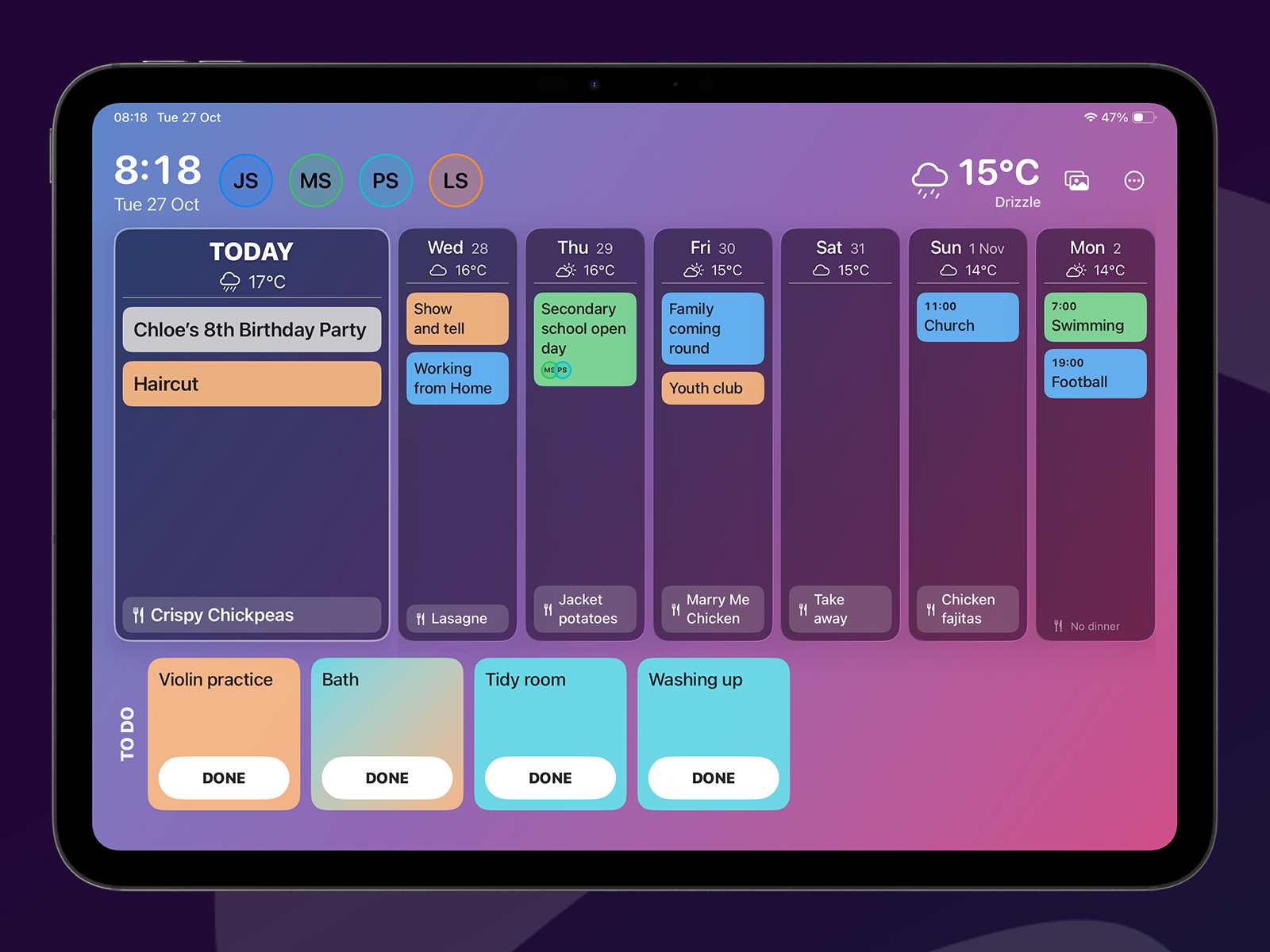
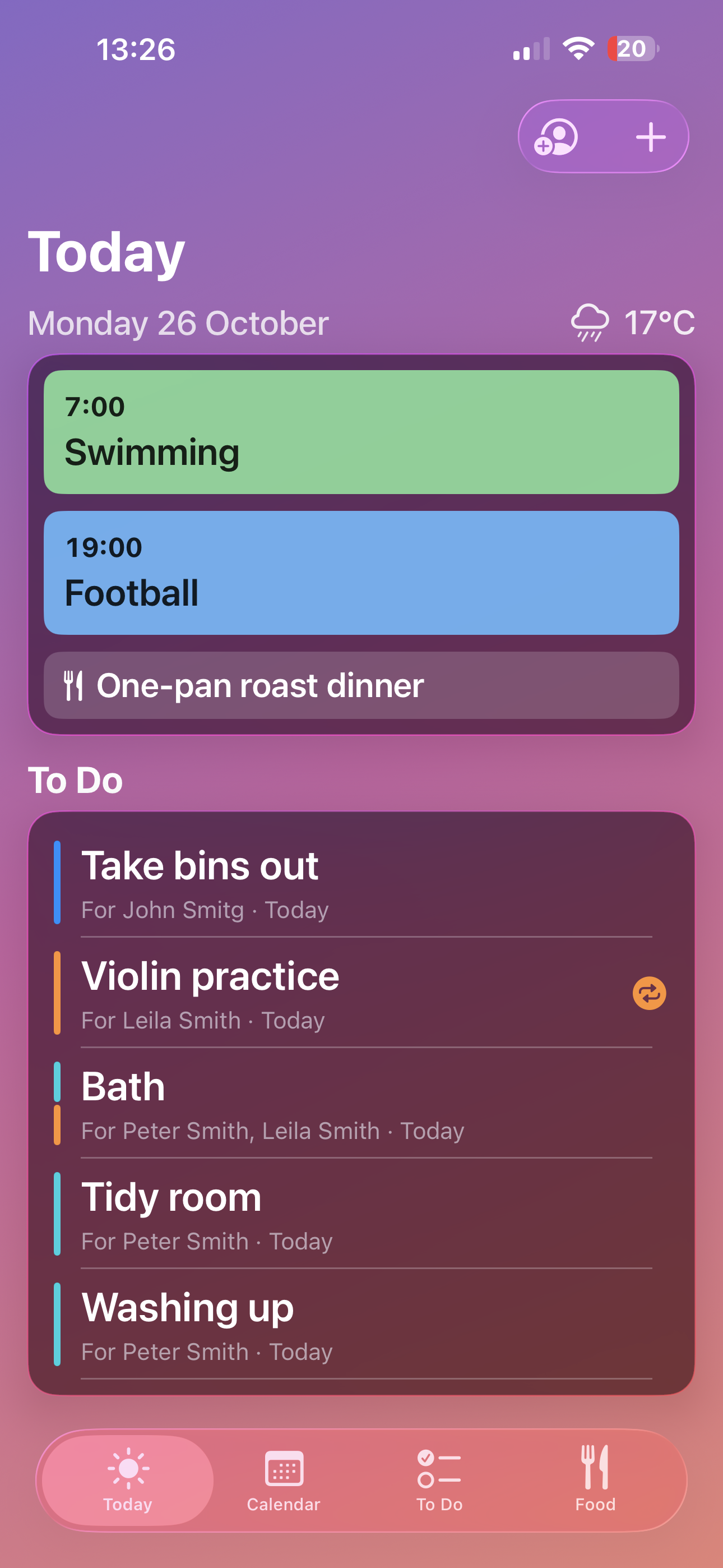
Know the day before you’re out the door.
Today shows the day’s events, meals, tasks and weather together. Swipe to see tomorrow.
Turn on the good morning summary and a short notification arrives at the time you choose, listing what’s on, what’s to do and what’s for dinner.
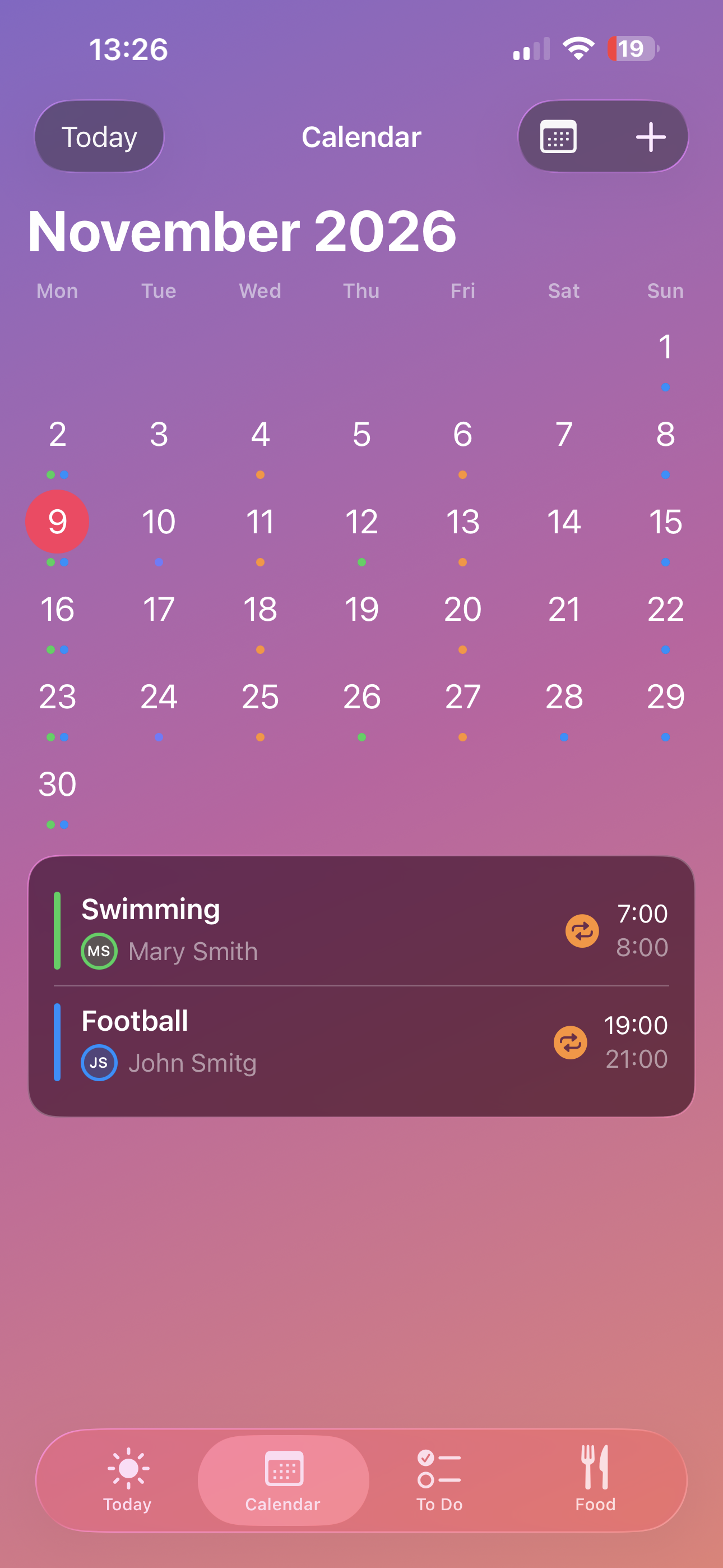
Everyone’s plans in one calendar.
Each person gets their own colour, so you can see who’s doing what at a glance. Switch between month, week and day, and set events to repeat.
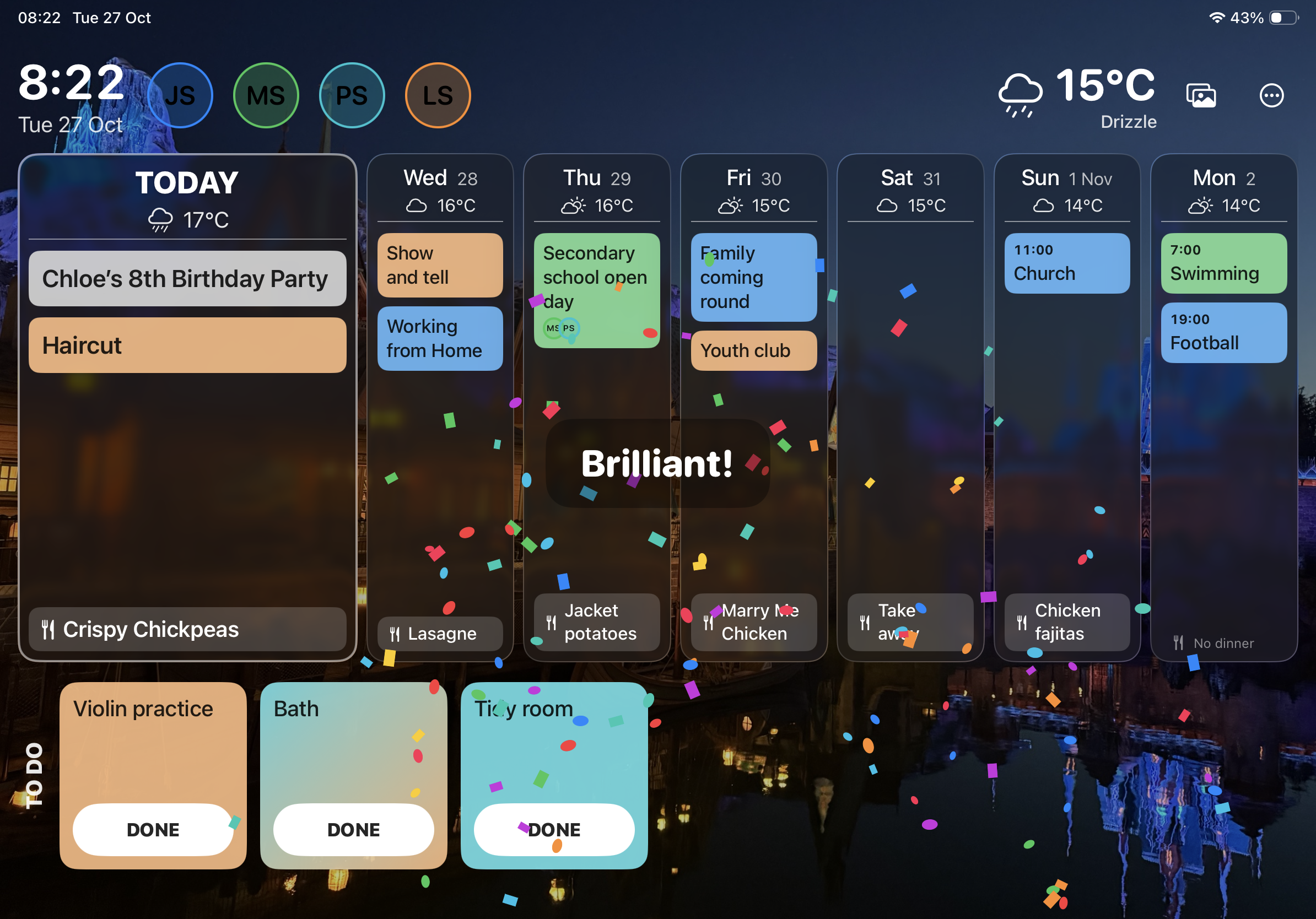
Tasks can be given to anyone, with or without a date. Swipe to tick one off, and watch the confetti.
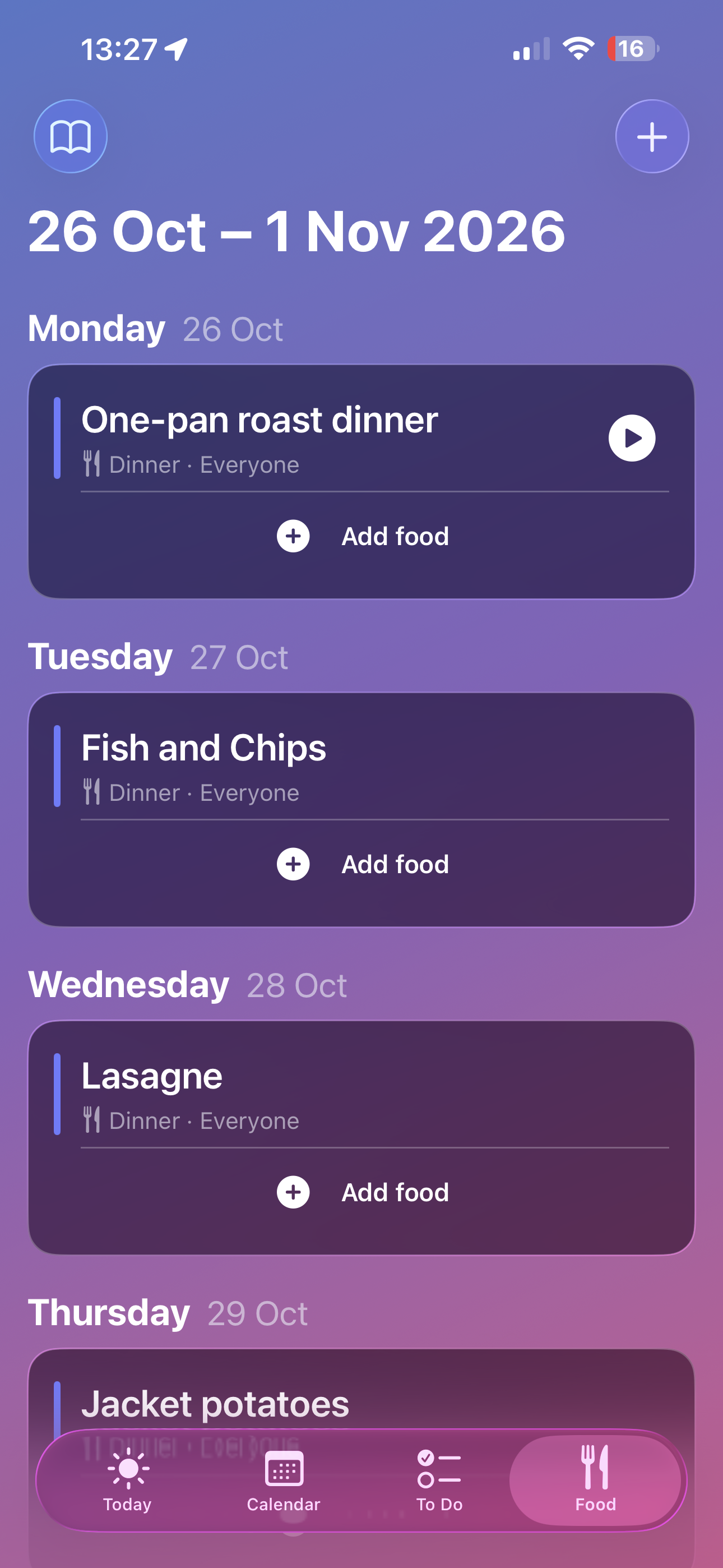
Dinner is already decided.
Plan breakfast, lunch and dinner for the week, and attach a recipe to any meal.
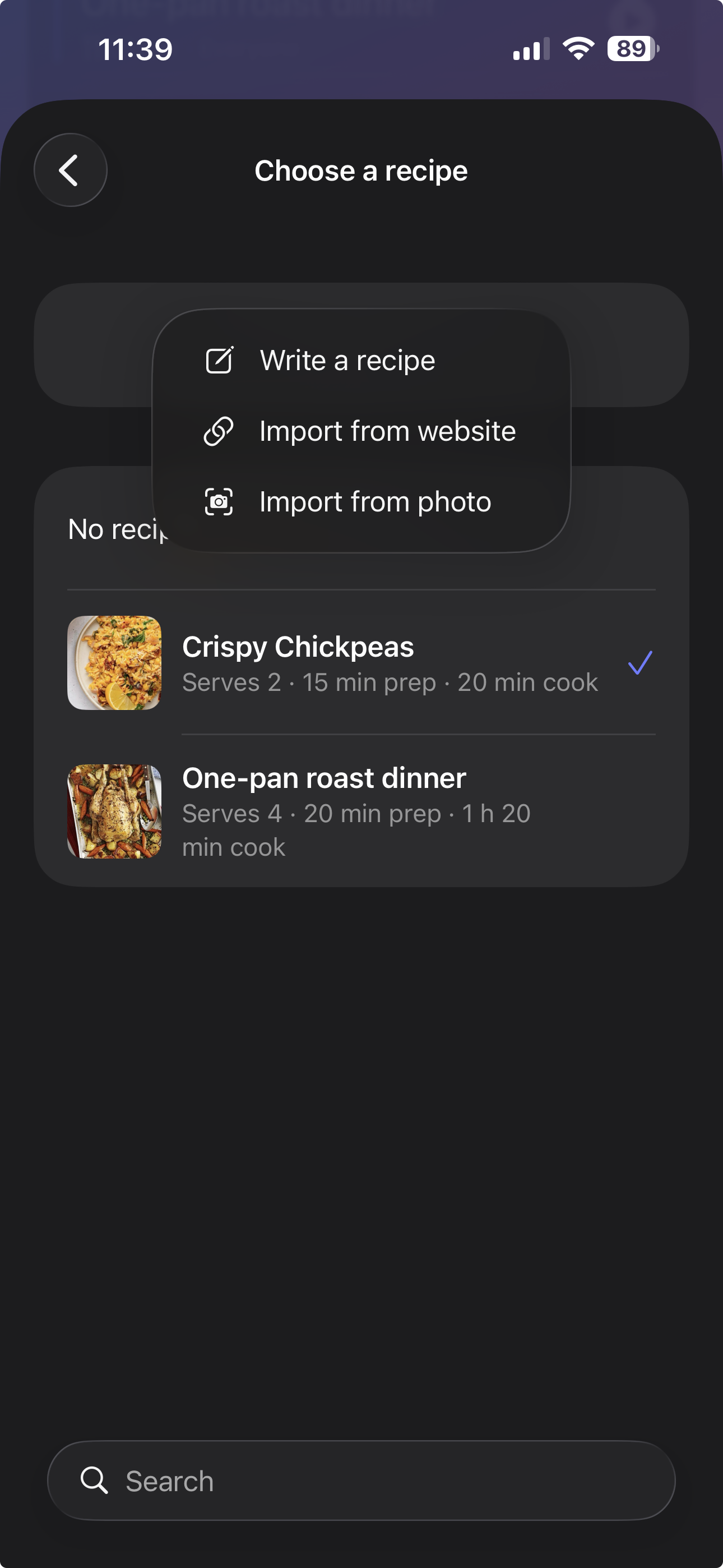
Build your recipe collection by typing it in, importing from a website, or taking a photo of a page in a cookbook. Imported recipes open for you to check before they’re saved.
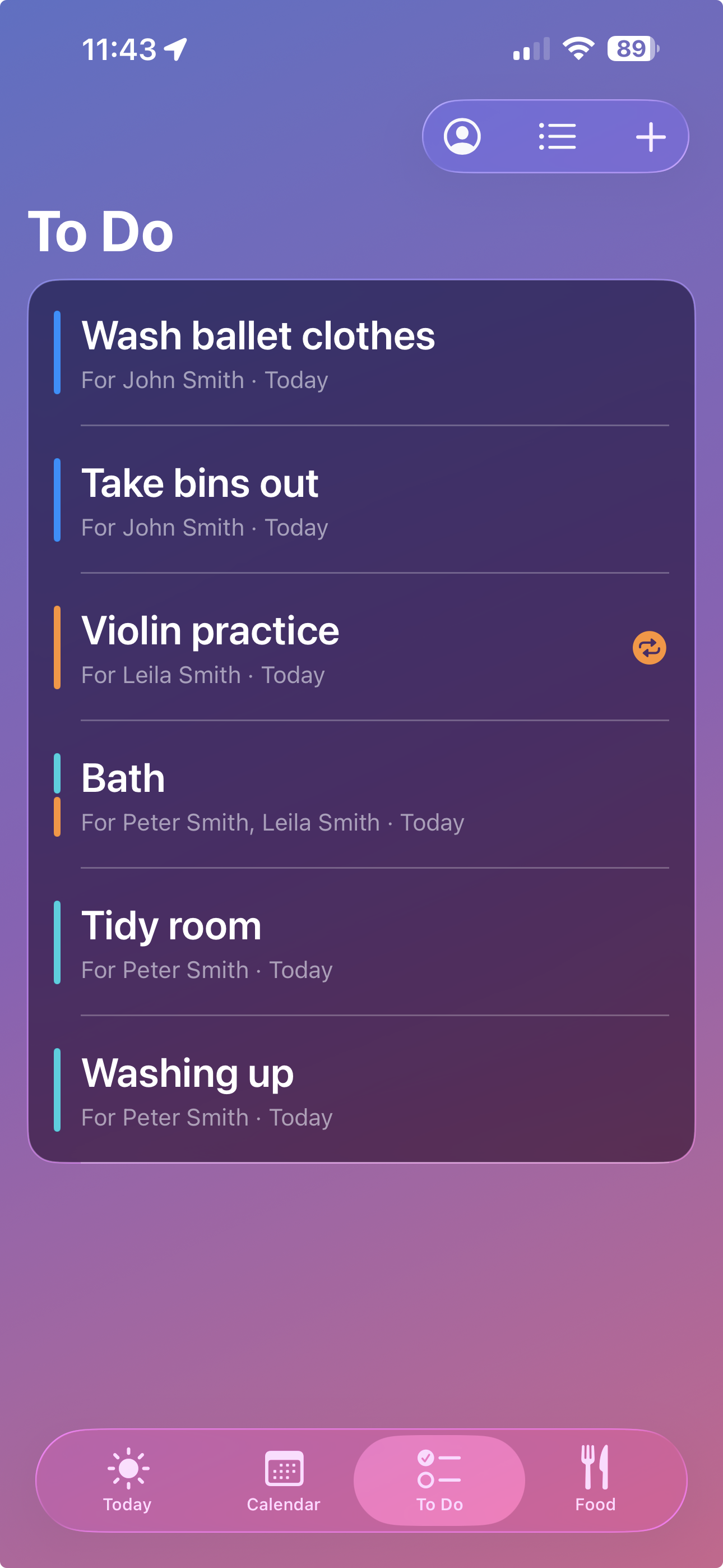
Chores done, and everyone can see it.
Give every job to someone and it shows up in their colour, so the whole family can see who has what. Swipe right to tick one off and a tick appears in that person’s colour.
Filter by person, or by Today, Upcoming and Completed, and hold and drag to put jobs in order. On the iPad dashboard, each job is a card in its person’s colour with a Done button.
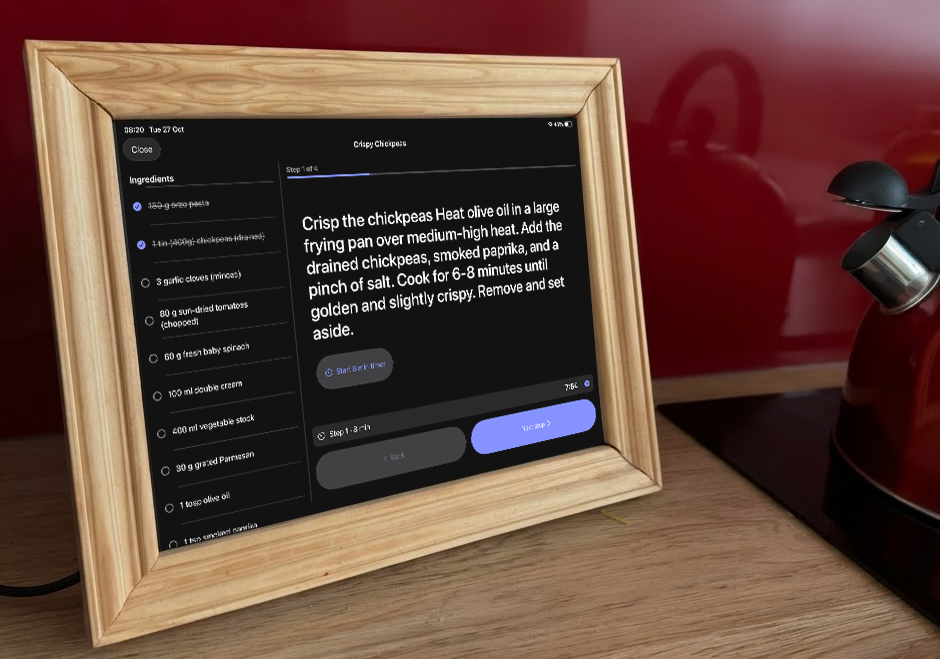
Turn an iPad into the kitchen wall.
On a full-size iPad, Today becomes a dashboard: the week ahead with today front and centre, everyone’s tasks, and the local weather.
Let it show your photos as a screen saver on a schedule, dim the screen at night, and keep it awake while it’s plugged in.
Private, because it’s yours.
There’s no account to create, no ads and no tracking. Your family’s plans stay on your devices and in your own iCloud, and Family Home Dashboard’s developer can’t see them.
Add family members by scanning a code. You can remove anyone at any time.